
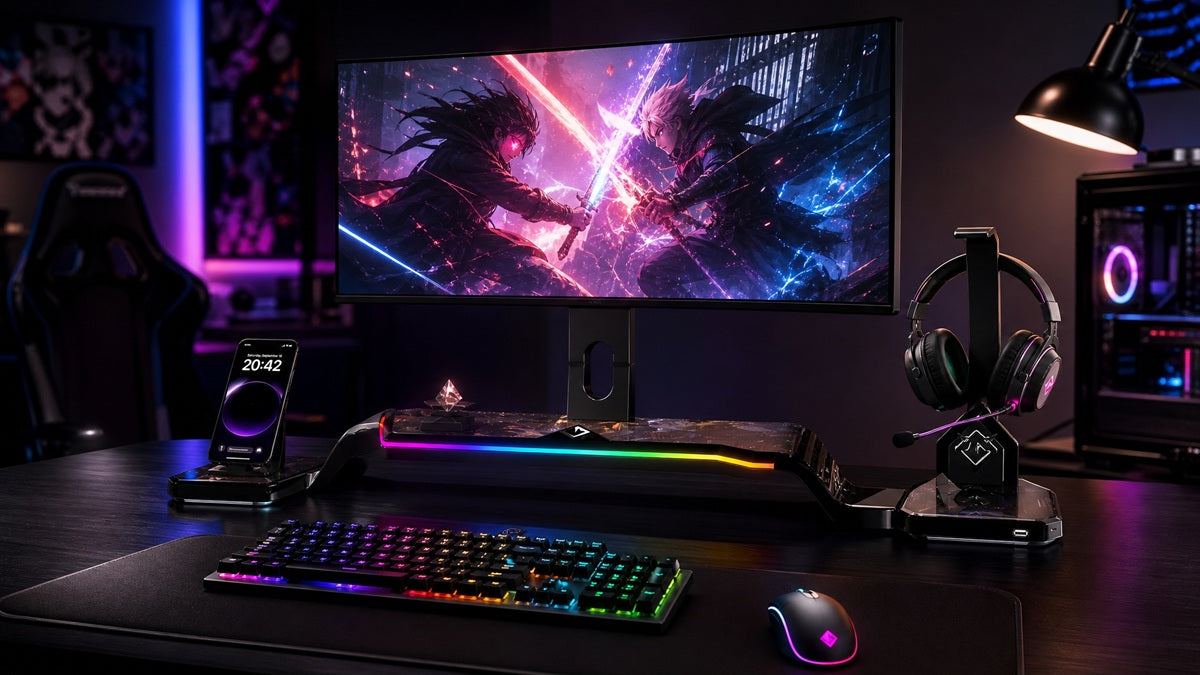
Working at a desk in Singapore usually means working with limited space. Whether it's a corner in an HDB flat, a shared workspace, or a small home office, the right desk monitor stand is often the difference between a cramped setup and one that actually works.
A good stand does not just hold your screen. It reclaims desk space, improves posture, and keeps your workflow comfortable within a tight footprint. The right choice depends less on which stand is "best" in the abstract and more on what your specific desk allows.
Key Takeaways
-
The right stand depends on your desk's depth, thickness, and material, not just your budget
-
Monitor arms free up more desk space, but they clamp to the desk edge and are only as stable as the surface they grip, which rules out many thin or hollow-core rental desks
-
Space-saving stands typically sit 15 to 25cm deep, leaving room for a keyboard and other essentials
-
Singapore's humid climate makes cable management a durability feature, not just a tidiness one
Match Your Stand to Your Desk First
Most buying guides start with price. Start with your desk instead, since it rules out entire categories before the budget even comes into play.
Desk Depth
Under 60cm, stick to stands in the 15–20cm depth range. Anything deeper pushes your monitor too far forward, forcing you to sit farther back than the space allows. Between 60 and 80cm, you have more flexibility, including dual-stand or hybrid arm-and-platform options that need slightly more footprint.
Desk Material and Mounting Type
If you're renting or working with a particle-board desk, choose a stand, not an arm. Most monitor arms clamp onto the edge of the desk, and both the clamp range and the desk material matter for a secure fit.
Hollow-core, veneer, or thin particle-board desks common in rentals often will not hold a clamp reliably, even when the thickness technically falls within an arm's clamp range. Check both the arm's minimum and maximum clamp opening against your desk before committing.
If you have a solid desk with a stable edge, an arm becomes viable, and is usually the better choice if desk space matters more to you than upfront cost. Wall mounting is a bigger commitment.
HDB owner-occupiers can generally drill, subject to the usual noise-hour rules and HDB's guidance on avoiding drilling near ceilings and beams. Tenants should always check their tenancy agreement first, as many landlords restrict the installation of permanent fixtures.
Monitor Size and Weight
A single monitor up to 24 inches will be comfortably supported by either a stand or an arm. At 27 inches or with dual monitors, look specifically for stands or arms rated for the extra weight and width. Standard entry-level stands are often not built for this load.
Monitor Stands vs Monitor Arms
A monitor stand sits on your desk and generally costs SGD 30 to SGD 150, often with a built-in shelf underneath. A monitor arm clamps or mounts to the desk edge, lifting the monitor off the surface entirely, and typically runs SGD 80 to SGD 400.
Stands work well when:
-
Your desk is lightweight, hollow-core, or thin particleboard, which is common in rental flats
-
You want built-in storage under the monitor for a keyboard or notebook
-
You move or reposition your setup often
-
You want something that just works without checking desk-clamp compatibility
Arms work well when:
-
Your desk is solid and thick enough for a secure clamp
-
You want the entire desk surface free
-
You are running a dual or triple monitor setup
-
You want full height, tilt, swivel, and rotation control
5 Features Worth Checking Before You Buy
1. Depth - For small desks, look for stands in the 15–25cm range. Anything deeper eats directly into your usable workspace, leaving less room for a keyboard, notebook, or mouse.
2. Width - Most single-monitor stands run 50 to 70cm wide. Measure your desk before buying, since width is the dimension most people skip and the one that causes the most return requests.
3. Height adjustment - Fixed-height stands, usually SGD 30 to 60, are cheaper but offer no flexibility for posture. Adjustable monitor stands in Singapore, typically SGD 60 to 200, suit long desk hours and should offer a real vertical range.
4. Tilt - A backward tilt of around 5 to 15 degrees helps cut glare, which matters more in Singapore than in most climates, given how strong direct afternoon light can be indoors.
5. Build and cable management - Steel or solid plastic holds up better than thin materials that sag over time. Cable clips keep wires tidy, and keeping them clear of window or air-conditioning airflow helps in Singapore's humidity.
What This Looks Like at Different Budgets
Entry-level (SGD 30 to 80). Suits monitor up to 24 inches and are suitable for daily use. Expect thinner materials and little to no cable management.
Mid-range (SGD 80 to 200). The best value for most people is working daily at a small desk. Smoother height adjustment, sturdier build, and proper cable management for monitors up to 27 inches.
Premium and integrated (from around SGD 300 upwards). This tier is where hybrid designs come in, combining a stand's storage with an arm's adjustability into a single footprint. Guilds' Altura Monitor Stand (VESA Arm Edition) is one example worth considering if you want a height-adjustable VESA arm and a top-shelf platform in one, rather than buying a separate stand and arm.
Dual Monitor Setups on a Small Desk

Two 24-inch monitors placed side by side typically need around 110 to 120cm of desk width once bezels and a small gap between screens are factored in, which is more than most small desks can offer.
Vertical stacking saves horizontal space but is only comfortable if you mainly use one screen at a time. Frequent switching between two stacked screens tends to strain the neck.
Dual monitor arms (SGD 150 to 400) are the most space-efficient option if you genuinely need two screens active at once, since they free the entire desk surface and allow independent tilt and rotation for each monitor.
Dual monitor stands (SGD 120 to 250) sit in between. They still take up 20 to 25cm of desk depth, which is worth factoring in if your desk is already tight.
Setting It Up Once You've Chosen
Measure your desk's width, depth, and surface thickness before buying, then mark the stand's footprint on the desk with painter's tape to confirm it does not crowd your keyboard or mouse.
Position the top of the screen at eye level, roughly 50 to 70cm away, tilted back 5 to 15 degrees.
Route cables away from windows and air-conditioning units, and check them occasionally for wear or corrosion, given Singapore's humidity.
Choosing the Right Desk Monitor Stand
There is no single "best" monitor stand, since the right one depends on your desk's depth and thickness, as well as how many screens you are running. Start by ruling out what your desk cannot support, then choose from what is left within budget.
For most small Singapore desks, a mid-range stand priced between SGD 80 and 200 provides good stability, storage, and comfort. If you specifically want an arm's adjustability without losing the storage a stand offers, an integrated option like the Guilds Altura Monitor Stand (VESA Arm Edition) is worth a look. Check the product page for current pricing, as promotional offers are run periodically.
Still not sure which setup fits your desk? Contact us, and we'll help you find the right stand for your space.
Frequently Asked Questions
What is the ideal monitor stand depth for a small desk?
For most small Singapore desks, look for a stand 15-25cm deep. Anything deeper eats noticeably into usable desk space.
Can I use a monitor arm in a rented HDB flat?
Yes, as long as it clamps securely to the edge of the desk. For wall mounting, HDB owner-occupiers can generally drill within HDB's guidelines on drilling zones and noise hours, but tenants should always check their tenancy agreement first, since many landlords restrict permanent fixtures.
How much should I spend on a monitor stand in Singapore?
SGD 80 to 200 offers the best balance of durability and value for most single-monitor setups. Integrated arm-and-platform options are pushing closer to SGD 300-400.
Are monitor stands suitable for monitors larger than 27 inches?
Most entry-level stands are not designed for screens larger than 27 inches. Larger screens are better suited to a monitor arm or a stand specifically rated for the extra weight and width. Always check the stand's weight and VESA compatibility against your monitor's specifications before buying.
What is the difference between the premium and basic stands?
Premium stands typically offer smoother height adjustment, better cable management, and sturdier build materials, so they tend to hold up longer under daily use. Entry-level stands are more affordable but can develop wobbles over time, particularly on smaller or lighter desks.
How do I stop my monitor stand from wobbling on a small desk?
Choose a stand with a wide, stable base, place it on a flat and level surface, and avoid overloading its shelf with extra weight.
Best Monitor Mount Options for Deep Desks and Ultrawide Screens
Everything Your Desk Needs for a Laptop and Monitor Setup That Feels Clean